Using pycinema
Installation
To use pycinema, first install it using pip:
$ pip install pycinema
This will install the pycinema module, which includes both the filter library and the cinema command line tool. The pycinema module will be available in normal python scripts, and the cinema command line tool will be available in your shells.
Running cinema applications
Download the example data repository.
cinema view data/sphere.cdb
The cinema command line tool can view databases using a set of applications which can be called from the command
line. See below for examples of these applications.

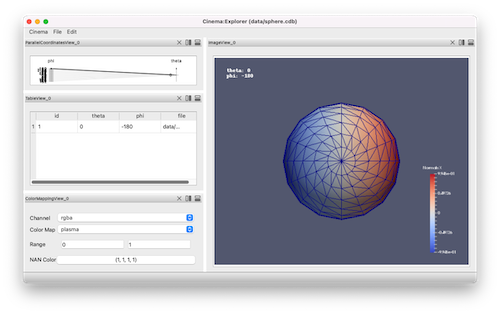
cinema explore data/sphere.cdb
Likewise, the explore application can be used to view the sample database, using a parallel coordinates widget to help inspect the data:
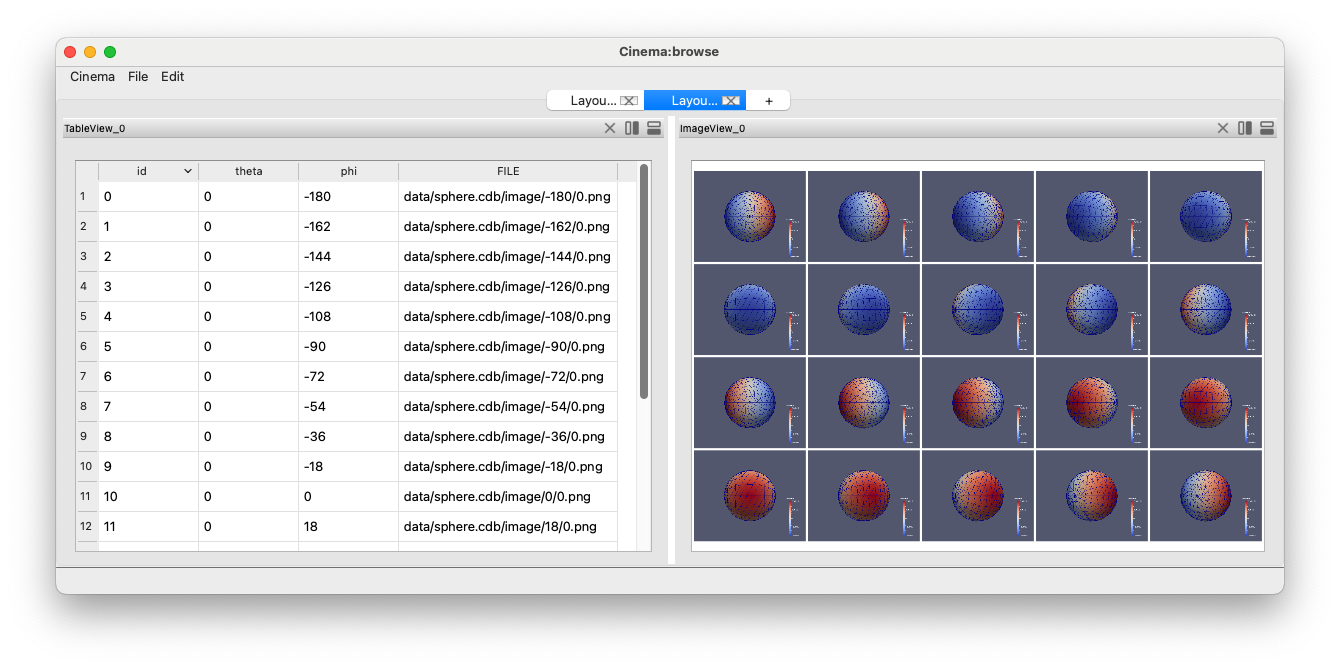
cinema browse data/sphere.cdb
The browse application creates a linked table and image view:
cinema discover data/sphere.cdb
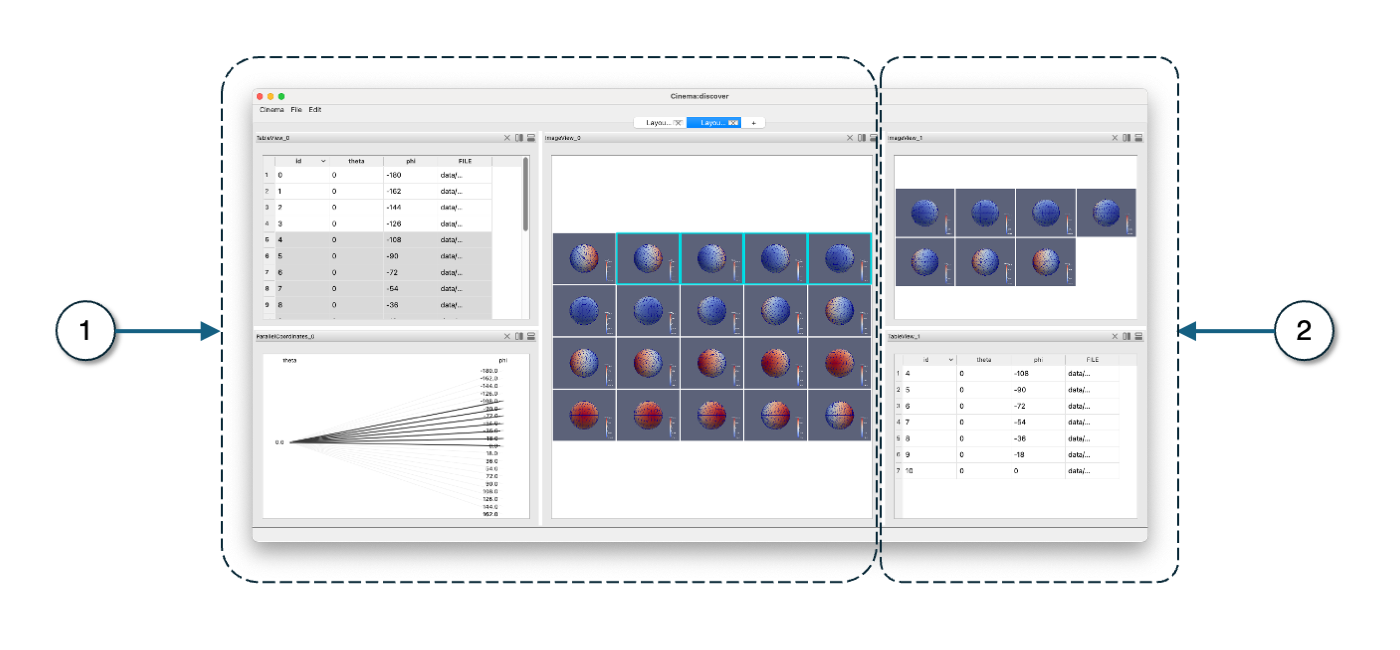
The discover application creates a focus-plus-context view of the dataset, with view of the entire dataset (1), and a linked view of the selected data (2).